tsparticles
tsParticles is a dependency-free TypeScript library for rendering animated particle effects (confetti, snow, fireworks, interactive link networks, and more) on a canvas. It ships a modular engine with optional feature bundles and official wrapper components for nearly every major frontend framework.
Embed badge

[](https://opensources.dev/resource/tsparticles)MITPermissive — free to use in commercial and proprietary software, with attribution.View license →
Production readiness
4/5- Actively maintainedCommits in the last 6 months
- No known vulnerabilitiesNot yet scanned
- Clear, usable licenseMIT (permissive)
- Proven adoptionWidely used
- Has documentationDocumentation indexed
npm install tsparticlesOur analysis
A modular, dependency-free TypeScript library for creating animated, interactive particle effects rendered on an HTML canvas. It is the actively maintained successor to the popular but abandoned particles.js.
When to use tsparticles
Reach for it when you want decorative or interactive backgrounds, confetti/firework celebration effects, snow, or link-network animations and want first-class wrappers for React, Vue, Angular, Svelte, Solid, and other frameworks. The preset and bundle system lets you ship only the features you use.
When not to
Avoid it for complex 3D scenes or GPU-heavy WebGL work (use three.js or Pixi.js), for data visualization (use D3 or a charting lib), or when you only need a one-off confetti burst where a tiny single-purpose library like canvas-confetti is lighter.
Strengths
- Dependency-free core with a modular package architecture so you only bundle the features you need (slim/basic/all/engine)
- Extensive official wrappers covering React, Next.js, Vue 2/3, Nuxt, Angular, Svelte, Solid, Preact, Qwik, jQuery, web components and more
- Rich preset catalog (confetti, fireworks, snow, stars, links) lowers the barrier to common effects
- Drop-in migration path from legacy particles.js
- Strong typings since the source is TypeScript
Trade-offs
- The split-package model and load-order requirements (load bundle/plugins before calling load) add a learning curve and easy-to-hit pitfalls
- Canvas-based 2D rendering can become a CPU/FPS bottleneck at high particle counts
- Heavy use of particle backgrounds can hurt page performance and accessibility (motion sensitivity)
- Legacy snake_case vs modern camelCase option confusion during migration
Maturity
Mature and widely adopted (~8.9k stars, millions of npm downloads across its many packages) with an active maintainer, an organized monorepo, documentation site, and a broad ecosystem of framework integrations and presets. It is production-ready and the de facto continuation of particles.js.

tsParticles - TypeScript Particles
A lightweight TypeScript library for creating particles. Dependency free (*), browser ready and compatible with React.js, Vue.js (2.x and 3.x), Angular, Svelte, jQuery, Preact, Inferno, Riot.js, Solid.js, and Web Components












Table of Contents
Do you want to use it on your website?
Documentation and Development references here 📖
This library is available on two of the most popular CDNs and it's easy and ready to use, if you were using particles.js it's even easier.
You'll find the instructions below, with all the links you need, and don't be scared by TypeScript, it's just the source language.
The output files are just JavaScript. 🤩
CDNs and npm have all the sources you need in Javascript, a bundle browser ready (tsparticles.engine.min.js), and
all
files splitted for import syntax.
If you are interested there are some simple instructions just below to guide you to migrate from the old particles.js library.
Start here in 2 minutes
If you are new to tsParticles, this path is usually the fastest:
Install
@tsparticles/engineand@tsparticles/slimLoad the slim bundle once
Start with a small config and iterate
import { tsParticles } from "@tsparticles/engine";
import { loadSlim } from "@tsparticles/slim";

await loadSlim(tsParticles);

await tsParticles.load({
  id: "tsparticles",
  options: {
    background: {
      color: "#0d1117",
    },
    particles: {
      move: {
        enable: true,
      },
      number: {
        value: 60,
      },
    },
  },
});
Useful docs for the next step:
Docs home: https://particles.js.org/docs/
Options guide: https://github.com/tsparticles/tsparticles/blob/main/markdown/Options.md
Migration guide: https://github.com/tsparticles/tsparticles/blob/main/markdown/pjsMigration.md
Presets catalog: https://github.com/tsparticles/presets
Quick checklist
Install
@tsparticles/engineand one bundle (@tsparticles/slimis the common default)Load the bundle before calling
tsParticles.load(...)Start from a small config, then extend incrementally
Choose your quick-start path
I want fewer dependencies: use
@tsparticles/engine+ only needed feature packagesI want the easiest default: use
@tsparticles/slimI need everything enabled: use
@tsparticles/all
Common pitfalls
Loading options that require plugins before loading those plugin packages
Starting with very high particle counts before checking FPS
Mixing legacy snake_case keys with modern camelCase options
Related docs
Main docs: https://particles.js.org/docs/
Root options guide: https://github.com/tsparticles/tsparticles/blob/main/markdown/Options.md
Migration guide: https://github.com/tsparticles/tsparticles/blob/main/markdown/pjsMigration.md
Library installation
Hosting / CDN
Please use these hosts or your own to load tsParticles on your projects
jsDelivr
cdnjs

unpkg
https://unpkg.com/@tsparticles/confetti/ https://unpkg.com/@tsparticles/particles/ https://unpkg.com/@tsparticles/engine/ https://unpkg.com/@tsparticles/fireworks/ https://unpkg.com/@tsparticles/basic/ https://unpkg.com/@tsparticles/slim/ https://unpkg.com/tsparticles/ https://unpkg.com/@tsparticles/all/
npm
tsParticles Confetti


tsParticles Particles


tsParticles Engine

tsParticles Fireworks


tsParticles Basic


tsParticles Slim


tsParticles


tsParticles All


npm install @tsparticles/engine
yarn
yarn add @tsparticles/engine
pnpm
pnpm install @tsparticles/engine
Import and require
const tsParticles = require("@tsparticles/engine");

// or

import { tsParticles } from "@tsparticles/engine";
The imported tsParticles is the same instance you have when including the script in the page using the <script> tag.
Usage
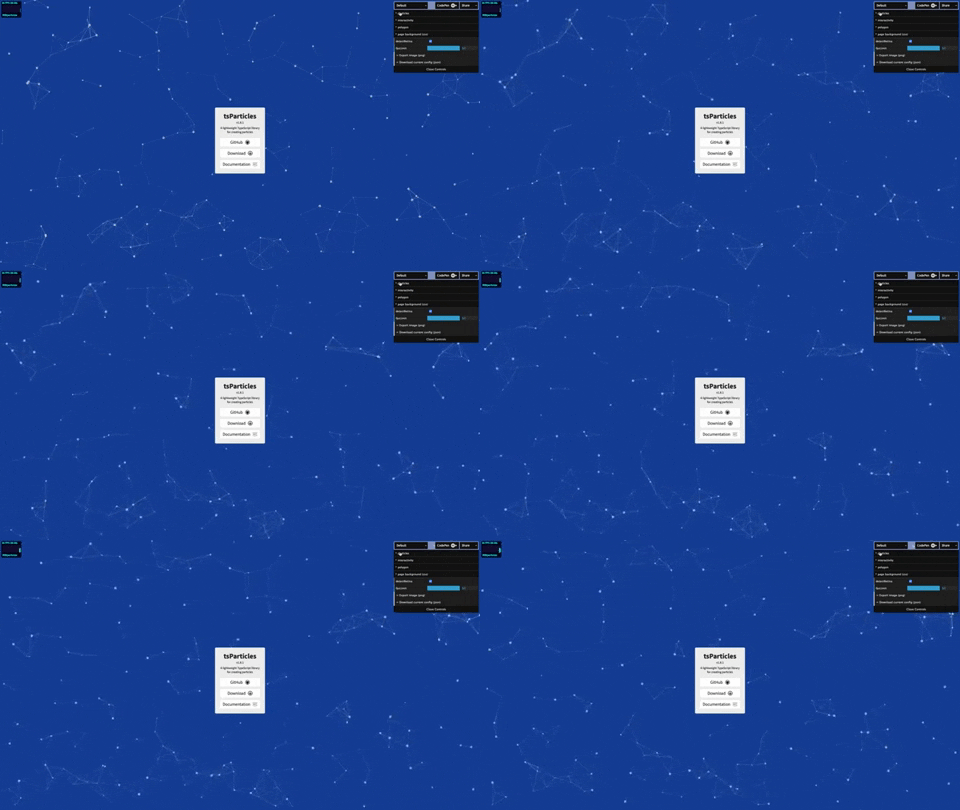
Load tsParticles and configure the particles:
index.html
<div id="tsparticles"></div>

<script src="tsparticles.engine.min.js"></script>
app.js
// @path-json can be an object or an array, the first will be loaded directly, and the object from the array will be randomly selected
/* tsParticles.load(@params); */

tsParticles
  .load({
    id: "tsparticles",
    url: "presets/default.json",
  })
  .then((container) => {
    console.log("callback - tsparticles config loaded");
  })
  .catch((error) => {
    console.error(error);
  });

//or

tsParticles.load({
  id: "tsparticles",
  options: {
    /* options here */
  },
});

//or

tsParticles.load({
  id: "tsparticles",
  options: [
    {
      /* options here */
    },
    {
      /* other options here */
    },
  ],
});
//random object

tsParticles.load({
  id: "tsparticles",
  options: [
    {
      /* options here */
    },
    {
      /* other options here */
    },
  ],
  index: 1,
}); //the second one
// Important! If the index is not in range 0...<array.length, the index will be ignored.

// after initialization this can be used.

/* tsParticles.setOnClickHandler(@callback); */

/* this will be fired from all particles loaded */

tsParticles.setOnClickHandler((event, particles) => {
  /* custom on click handler */
});

// now you can control the animations too, it's possible to pause and resume the animations
// these methods don't change the config so you're safe with all your configurations
// domItem(0) returns the first tsParticles instance loaded in the dom
const particles = tsParticles.item(0);

// play will start the animations, if the move is not enabled it won't enable it, it just updates the frame
particles.play();

// pause will stop the animations
particles.pause();
Official components for some of the most used frameworks
Angular
@tsparticles/angular


Instructions available here
Astro
@tsparticles/astro


Instructions available here
Ember.js
@tsparticles/ember


Instructions available here
Inferno
@tsparticles/inferno


Instructions available here
jQuery
@tsparticles/jquery


Instructions available here
Preact
@tsparticles/preact


Instructions available here
Qwik
@tsparticles/qwik


Instructions available here
ReactJS
@tsparticles/nextjs


Instructions available here
@tsparticles/react


Instructions available here
RiotJS
@tsparticles/riot


Instructions available here
SolidJS
@tsparticles/solid


Instructions available here
Svelte
@tsparticles/svelte


Instructions available here
VueJS 2.x
@tsparticles/nuxt2


Instructions available here
@tsparticles/vue2


Instructions available here
VueJS 3.x
@tsparticles/nuxt3


Instructions available here
@tsparticles/nuxt4


Instructions available here
@tsparticles/vue3


Instructions available here
Web Components
@tsparticles/webcomponents


Instructions available here
WordPress
@tsparticles/wordpress




The plugin page hosted on WordPress.org can be found here
Elementor
Actually, an official tsParticles plugin isn't existing, but I have a collaboration with
the Premium Addons for Elementor plugin collection.
Presets
There are some presets ready to be used in this repository, and they also have a bundle file that contains everything needed to run.
Ambient


This preset loads ambient circles on a dark background.

You can find the instructions here
Big Circles


This preset loads big colored circles moving upwards on a white background.

You can find the instructions here
Bubbles


This preset loads colored bubbles coming from the bottom of the screen on a white background.

You can find the instructions here
Confetti


This preset loads white and red confetti launched from the screen center on a transparent background.

You can find the instructions here
Confetti Cannon


This preset loads confetti launched from a draggable cannon.

You can find the instructions here
Confetti Explosions


This preset loads confetti bursts at multiple points on the screen.

You can find the instructions here
Confetti Falling


This preset loads slowly falling confetti particles.

You can find the instructions here
Confetti Parade


This preset loads confetti moving horizontally across the screen like a parade.

You can find the instructions here
Party


This preset creates an animated confetti-like celebration effect.

You can find the instructions here
Fire


This preset loads a faded red to a black background with particles colored like fire and ash sparks.

You can find the instructions here
Firefly


This preset loads a mouse trail made with small fading particles like little fireflies.

You can find the instructions here
Fireworks


This preset loads a beautiful fireworks effect.

You can find the instructions here
Hyperspace


This preset loads a hyperspace tunnel effect with fast-moving particles.

You can find the instructions here
Fountain



You can find the instructions here
Links



You can find the instructions here
Sea Anemone



You can find the instructions here
Snow



You can find the instructions here
Squares



You can find the instructions here
Stars



You can find the instructions here
Triangles



You can find the instructions here
Templates and Resources
You can find some tsParticles related templates here. The templates are created for Vanilla Javascript, ReactJS, VueJS, Angular, SvelteJS, and other frameworks.
The templates will vary, new ones can be created or older ones updated with the latest features or changed to a better style. Check them out once in a while.
If you created some good design with tsParticles feel free to submit a pull request with your cool template, you'll be credited as the template author!
https://github.com/tsparticles/templates
Demo / Generator
https://particles.js.org/samples
Video Tutorials
You can find all video tutorials on the website here: https://particles.js.org/video.html
More videos are coming soon! Check every day if there are some new contents.
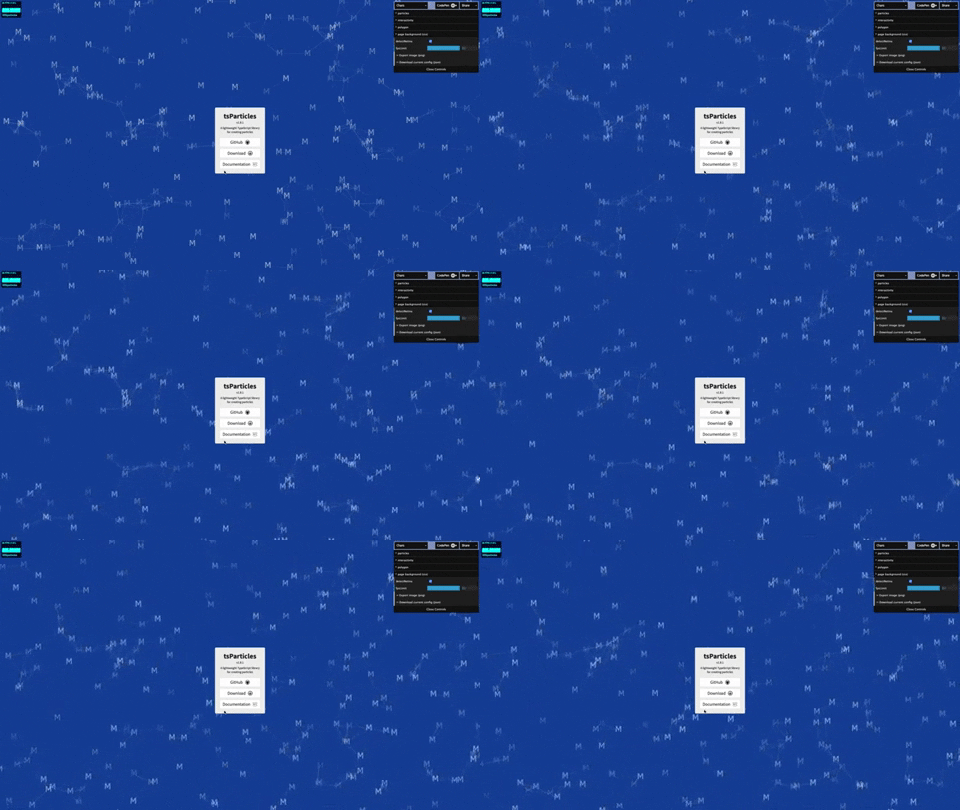
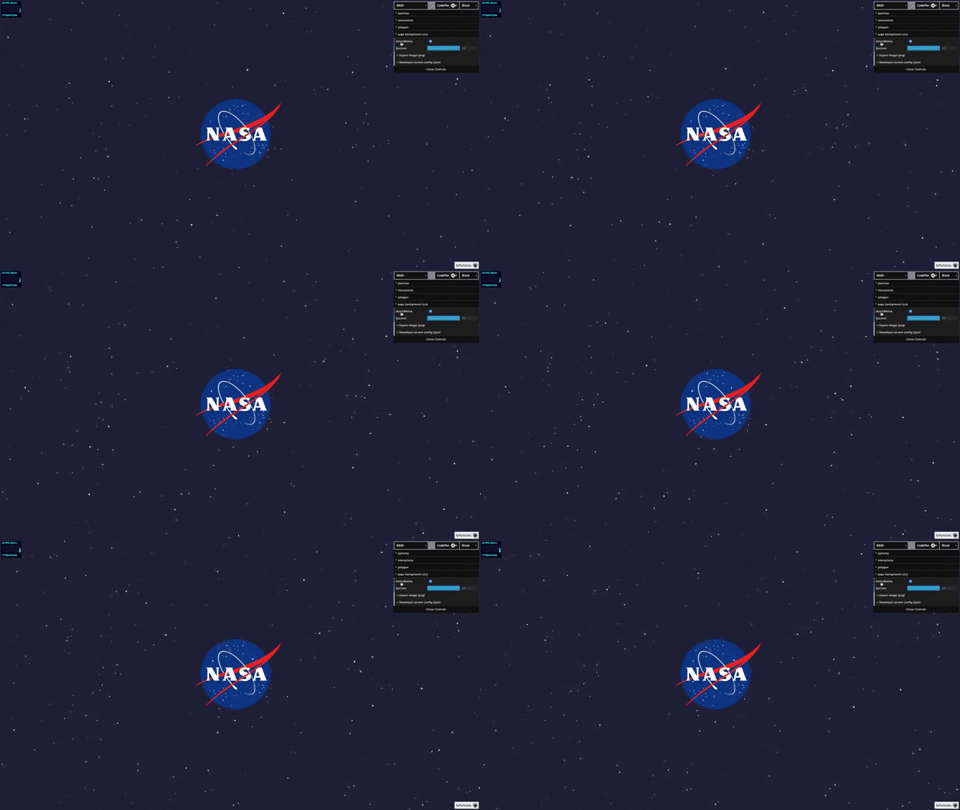
Characters as particles
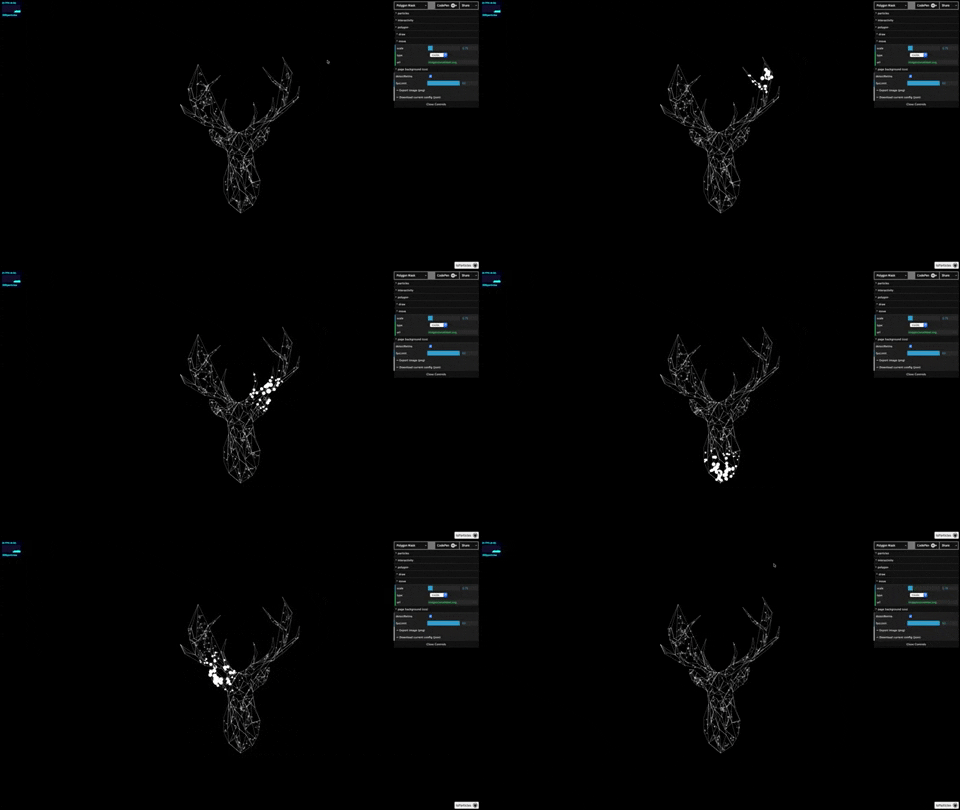
Polygon mask
Animated stars
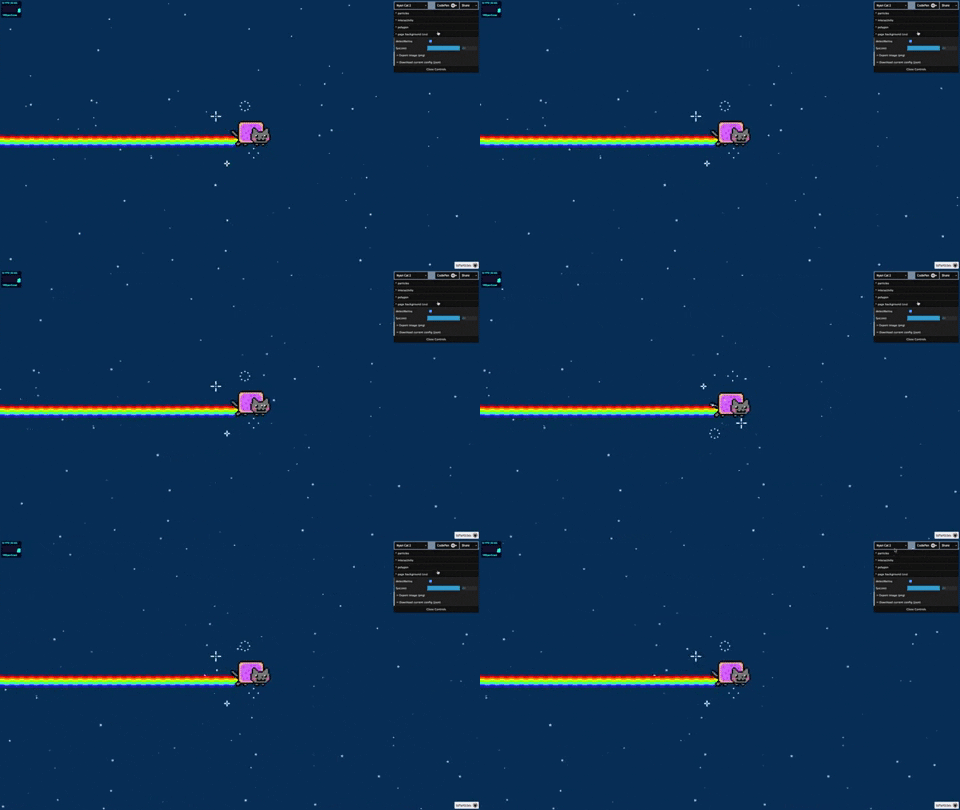
Nyan cat flying on scrolling stars
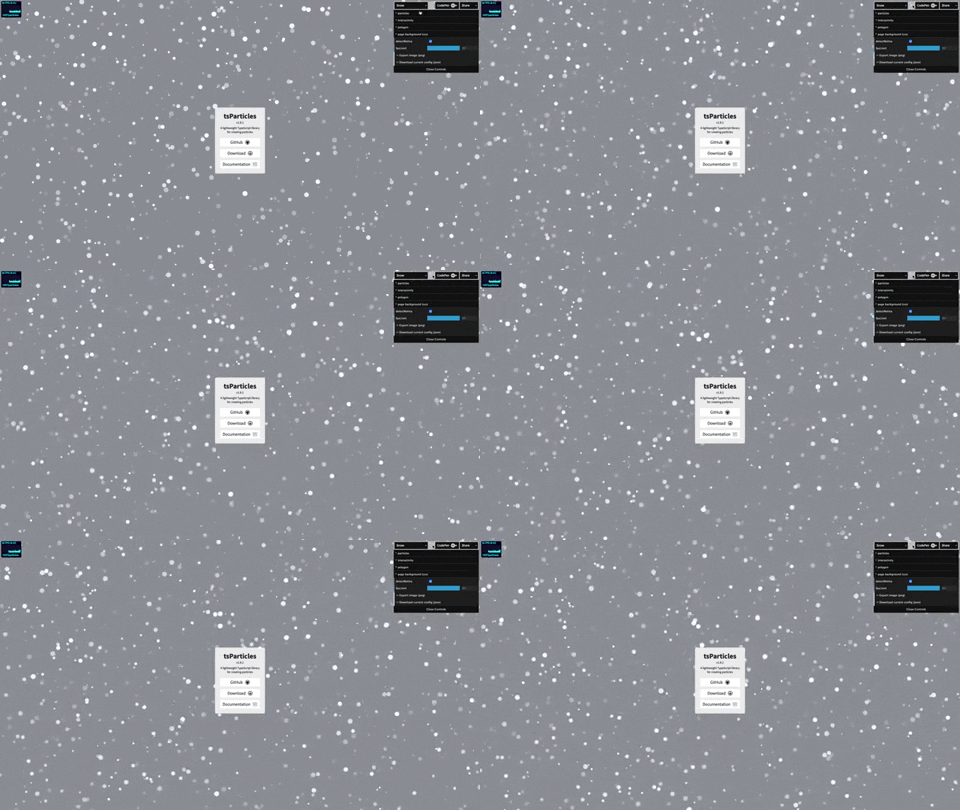
Snow particles
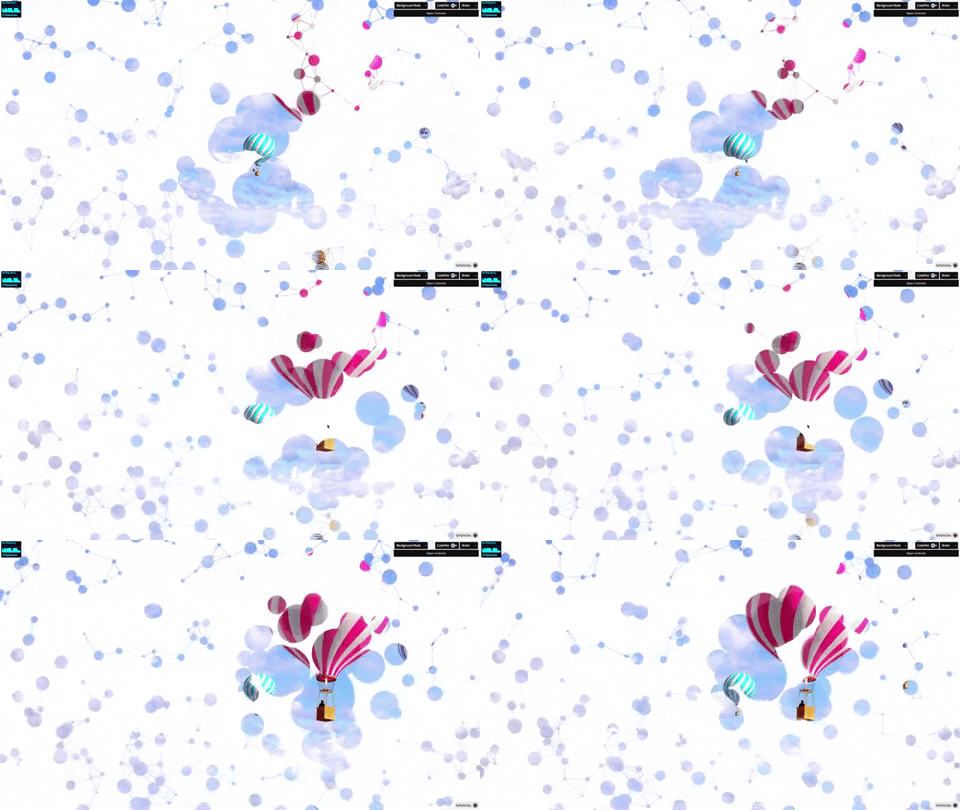
Background Mask particles
particles.json
You can find some config samples here 📖
Options
You can find all options available here 📖
If you want a practical map with examples, check these markdown docs too:
Root options: https://github.com/tsparticles/tsparticles/blob/main/markdown/Options.md
Colors: https://github.com/tsparticles/tsparticles/blob/main/markdown/Color.md
Container API: https://github.com/tsparticles/tsparticles/blob/main/markdown/Container.md
Want to see it in action and try it?
I've created a tsParticles collection on CodePen 😮 or you can check out my profile
Otherwise, there's the demo page link below.
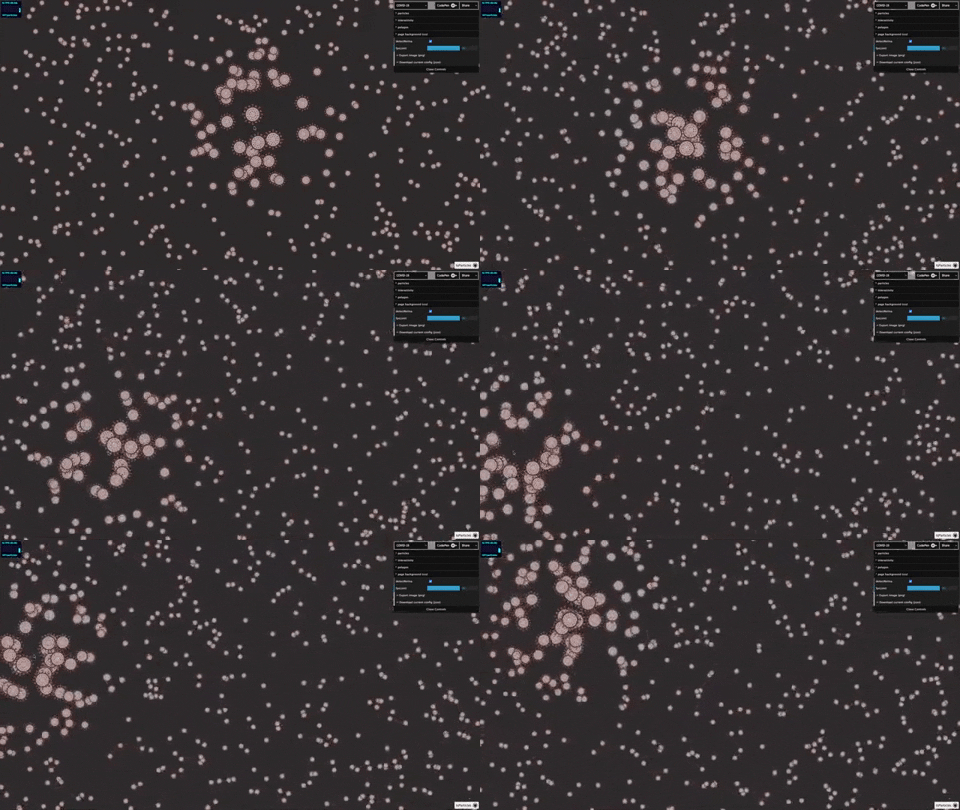
Want to see even more demos? Clone the repository on your computer and follow these instructions
$ pnpm i
$ pnpm run build
$ cd demo/vanilla
$ pnpm start
Boom! 💥 http://localhost:3000 and you can check out other demos.
Note: demo/wordpress contains documentation only. The WordPress wrapper runs as a plugin inside a WordPress installation, not as a standalone demo app.
If you are brave enough you can switch to the dev branch for trying the features under development.
Migrating from Particles.js
tsParticles has a package that makes this library 100% compatible with the particles.js configuration.


Seriously, you just need to change the script from particles.js to the bundled compatibility package, et-voilà, you're ready 🧙!
You can read more here
Want to know 5 reasons to do the switch? Read here
Below you can find all the information you need to install tsParticles and its new syntax.
Migration quick guide in this repository:
Plugins/Customizations
tsParticles now supports some customizations 🥳.
You can create your own plugins
Read more here...
Practical customization guide (shape + preset examples):
Dependency Graph
flowchart TD

  subgraph core [Core]
    engine[tsParticles Engine]
    perlin-noise[Perlin Noise Lib]
    simplex-noise[Simplex Noise Lib]
    configs[tsParticles Configs]
  end

  subgraph bundle-basic [tsParticles Basic]

    subgraph basic-plugins [Plugins]
      plugin-move[Move]

      subgraph basic-plugins-colors [Colors]
        plugin-hex-color[Hex Color]
        plugin-hsl-color[HSL Color]
        plugin-rgb-color[RGB Color]
      end
    end

    subgraph basic-shapes [Shapes]
      shape-circle[Circle]
    end

    subgraph basic-updates [Updaters]
      updater-fill-color[Color]
      updater-opacity[Opacity]
      updater-out-modes[Out Modes]
      updater-size[Size]
    end

  end

  engine --> bundle-basic

  subgraph bundle-confetti [tsParticles Confetti]

    subgraph confetti-plugins [Plugins]
      plugin-emitters
      plugin-motion
    end

    subgraph confetti-shapes [Shapes]
      shape-cards
      shape-emoji
      shape-heart
      shape-image
      shape-polygon
      shape-square
      shape-star
    end

    subgraph confetti-updaters [Updaters]
      updater-life
      updater-roll
      updater-rotate
      updater-tilt
      updater-wobble
    end

  end

  bundle-basic --> bundle-confetti

  subgraph bundle-slim [tsParticles Slim]

    subgraph slim-interactions [Interactions]

      subgraph slim-interactions-external [Externals]
        interaction-external-attract[Attract]
        interaction-external-bounce[Bounce]
        interaction-external-bubble[Bubble]
        interaction-external-connect[Connect]
        interaction-external-grab[Grab]
        interaction-external-parallax[Parallax]
        interaction-external-pause[Pause]
        interaction-external-push[Push]
        interaction-external-remove[Remove]
        interaction-external-repulse[Repulse]
        interaction-external-slow[Slow]
      end

      subgraph slim-interactions-particles [Particles]
        interaction-particles-attract[Attract]
        interaction-particles-collisions[Collisions]
        interaction-particles-links[Links]
      end

    end

    subgraph slim-plugins [Plugins]
      plugin-interactivity[Interactivity]

      subgraph slim-plugins-easings [Easings]
        plugin-easing-quad[Quad]
      end

    end

    subgraph slim-shapes [Shapes]
      shape-emoji[Emoji]
      shape-image[Image]
      shape-line[Line]
      shape-polygon[Polygon]
      shape-square[Square]
      shape-star[Star]
    end

    subgraph slim-updaters [Updaters]
      updater-life[Life]
      updater-rotate[Rotate]
      updater-stroke-color[Stroke Color]
    end

  end

  bundle-basic --> bundle-slim

  subgraph bundle-fireworks [tsParticles Fireworks]

    subgraph fireworks-effects [Effects]
      effect-trail
    end

    subgraph fireworks-plugins [Plugins]
      plugin-emitters

      subgraph fireworks-plugin-emitters-shapes [Emitters Shapes]
        plugin-emitters-shape-square
      end

      plugin-sounds
    end

    subgraph fireworks-updaters [Updaters]
      updater-destroy
      updater-life
      updater-rotate
    end

  end

  bundle-basic --> bundle-fireworks

  subgraph bundle-full [tsParticles]

    subgraph full-interactions [Interactions]

      subgraph full-interactions-external [Externals]
        interaction-external-trail[Trail]
      end

    end

    subgraph full-plugins [Plugins]
      plugin-absorbers[Absorbers]
      plugin-emitters[Emitters]

      subgraph full-plugin-emitters-shapes [Emitters Shapes]
        plugin-emitters-shape-circle[Circle]
        plugin-emitters-shape-square[Square]
      end

    end

    subgraph full-shapes [Shapes]
      shape-text[Text]
    end

    subgraph full-updaters [Updaters]
      updater-destroy[Destroy]
      updater-roll[Roll]
      updater-tilt[Tilt]
      updater-twinkle[Twinkle]
      updater-wobble[Wobble]
    end

  end

  bundle-slim --> bundle-full

  subgraph bundle-all [tsParticles All]

    subgraph all-effects [Effects]
      effect-bubble[Bubble]
      effect-particles[Particles]
      effect-shadow[Shadow]
      effect-trail[Trail]
    end

    subgraph all-interactions [Interactions]
      subgraph all-interactions-external [External]
        interaction-external-particle[Particle]
        interaction-external-pop[Pop]
      end

      interaction-light[Light]

      subgraph all-interactions-particles [Particles]
        interaction-particles-repulse[Repulse]
      end
    end

    subgraph all-paths [Paths]
      path-branches[Branches]
      path-brownian[Brownian]
      path-curl-noise[Curl Noise]
      path-curves[Curves]
      path-fractal-noise[Fractal Noise]
      path-grid[Grid]
      path-levy[Levy]
      path-perlin-noise[Perlin Noise]
      path-polygon[Polygon]
      path-random[Random]
      path-simplex-noise[Simplex Noise]
      path-spiral[Spiral]
      path-svg[SVG]
      path-zig-zag[Zig Zag]
    end

    subgraph all-plugins [Plugins]
      plugin-background-mask[Background Mask]
      plugin-blend[Blend]
      plugin-canvas-mask[Canvas Mask]

      subgraph all-plugins-colors [Colors]
        plugin-hsv-color[HSV Color]
        plugin-hwb-color[HWB Color]
        plugin-lab-color[Lab Color]
        plugin-lch-color[Lch Color]
        plugin-named-color[Named Color]
        plugin-oklab-color[Oklab Color]
        plugin-oklch-color[Oklch Color]
      end

      subgraph all-plugins-easings [Easings]
        plugin-easing-back[Back]
        plugin-easing-bounce[Bounce]
        plugin-easing-circ[Circ]
        plugin-easing-cubic[Cubic]
        plugin-easing-elastic[Elastic]
        plugin-easing-expo[Expo]
        plugin-easing-gaussian[Gaussian]
        plugin-easing-linear[Linear]
        plugin-easing-quart[Quart]
        plugin-easing-quint[Quint]
        plugin-easing-sigmoid[Sigmoid]
        plugin-easing-sine[Sine]
        plugin-easing-smoothstep[Smoothstep]
      end

      subgraph all-plugin-emitters-shapes [Emitters Shapes]
        plugin-emitters-shape-canvas[Canvas]
        plugin-emitters-shape-path[Path]
        plugin-emitters-shape-polygon[Polygon]
      end

      subgraph all-plugins-exports [Exports]
        plugin-export-image[Image]
        plugin-export-json[JSON]
        plugin-export-video[Video]
      end

      plugin-infection[Infection]
      plugin-manual-particles[Manual Particles]
      plugin-motion[Motion]
      plugin-poisson-disc[Poisson Disc]
      plugin-polygon-mask[Polygon Mask]
      plugin-responsive[Responsive]
      plugin-sounds[Sounds]
      plugin-themes[Themes]
      plugin-trail[Trail]
      plugin-zoom[Zoom]
    end

    subgraph all-shapes [Shapes]
      shape-arrow[Arrow]
      shape-cards[Cards]
      shape-cog[Cog]
      shape-heart[Heart]
      shape-infinity[Infinity]
      shape-matrix[Matrix]
      shape-path[Path]
      shape-rounded-polygon[Rounded Polygon]
      shape-rounded-rect[Rounded Rect]
      shape-spiral[Spiral]
      shape-squircle[Squircle]
    end

    subgraph all-updaters [Updaters]
      updater-gradient[Gradient]
      updater-orbit[Orbit]
    end

    simplex-noise --> path-curl-noise
    perlin-noise --> path-perlin-noise
    simplex-noise --> path-simplex-noise

  end

  bundle-full --> bundle-all
On this page
- tsParticles - TypeScript Particles
- Table of Contents
- Do you want to use it on your website?
- Start here in 2 minutes
- Quick checklist
- Choose your quick-start path
- Common pitfalls
- Related docs
- Library installation
- Hosting / CDN
- jsDelivr
- cdnjs
- unpkg
- npm
- yarn
- pnpm
- Import and require
- Usage
- Official components for some of the most used frameworks
- Angular
- @tsparticles/angular
- Astro
- @tsparticles/astro
- Ember.js
- @tsparticles/ember
- Inferno
- @tsparticles/inferno
- jQuery
- @tsparticles/jquery
- Preact
- @tsparticles/preact
- Qwik
- @tsparticles/qwik
- ReactJS
- @tsparticles/nextjs
- @tsparticles/react
- RiotJS
- @tsparticles/riot
- SolidJS
- @tsparticles/solid
- Svelte
- @tsparticles/svelte
- VueJS 2.x
- @tsparticles/nuxt2
- @tsparticles/vue2
- VueJS 3.x
- @tsparticles/nuxt3
- @tsparticles/nuxt4
- @tsparticles/vue3
- Web Components
- @tsparticles/webcomponents
- WordPress
- @tsparticles/wordpress
- Elementor
- Presets
- Ambient
- Big Circles
- Bubbles
- Confetti
- Confetti Cannon
- Confetti Explosions
- Confetti Falling
- Confetti Parade
- Party
- Fire
- Firefly
- Fireworks
- Hyperspace
- Fountain
- Links
- Sea Anemone
- Snow
- Squares
- Stars
- Triangles
- Templates and Resources
- Demo / Generator
- Video Tutorials
- Characters as particles
- Polygon mask
- Animated stars
- Nyan cat flying on scrolling stars
- Snow particles
- Background Mask particles
- Options
- Want to see it in action and try it?
- Migrating from Particles.js
- Plugins/Customizations
- Dependency Graph